

How to find a Biamp serial number
This article explains how to find a serial number from a variety of Biamp devices. All serialized devices should have the serial number printed on a sticker somewhere on the product. This sticker is typically formatted with the serial number above the bar code, and the MAC address and date of manufacture printed below the bar code.
Some products also have a way to find their serial number using software, such as Tesira, Impera, and Workplace. If the device is inaccessible or undiscoverable, there may still be a way to get the serial number using the corresponding application. If you have the default hostname of the unit, this usually also include the serial number. Tesira devices, for instance, have their default hostname formatted with 8 digit serial number at the end. There are several ways to find a device's serial number, and this article aims to cover most of those methods for most of our product lines.
Tesira
Most Tesira devices have their serial number printed on a sticker on the back or bottom of the unit. You can also find a device's serial number while it is discoverable on the network using the Tesira software by checking the Perform Device Maintenance window or Remote Device Maintenance window. If a device is not discoverable or no longer on the network, you can still get the serial number for some devices by looking through any Event Logs that were pulled from that device. Alternatively, you can find a device's serial number in the Equipment Table of a configuration file that still has the device's Host Name assigned to a unit in the table.
The serial number for a Server-IO card is found on the card's circuit board, only visible while the Server-IO chassis is open or the card is uninstalled. The serial number for TEC-1 controllers can be found on the back of the unit, or by shorting the locksmith pins to reset the device and then checking the Device Information page on the unit itself.


Voltera
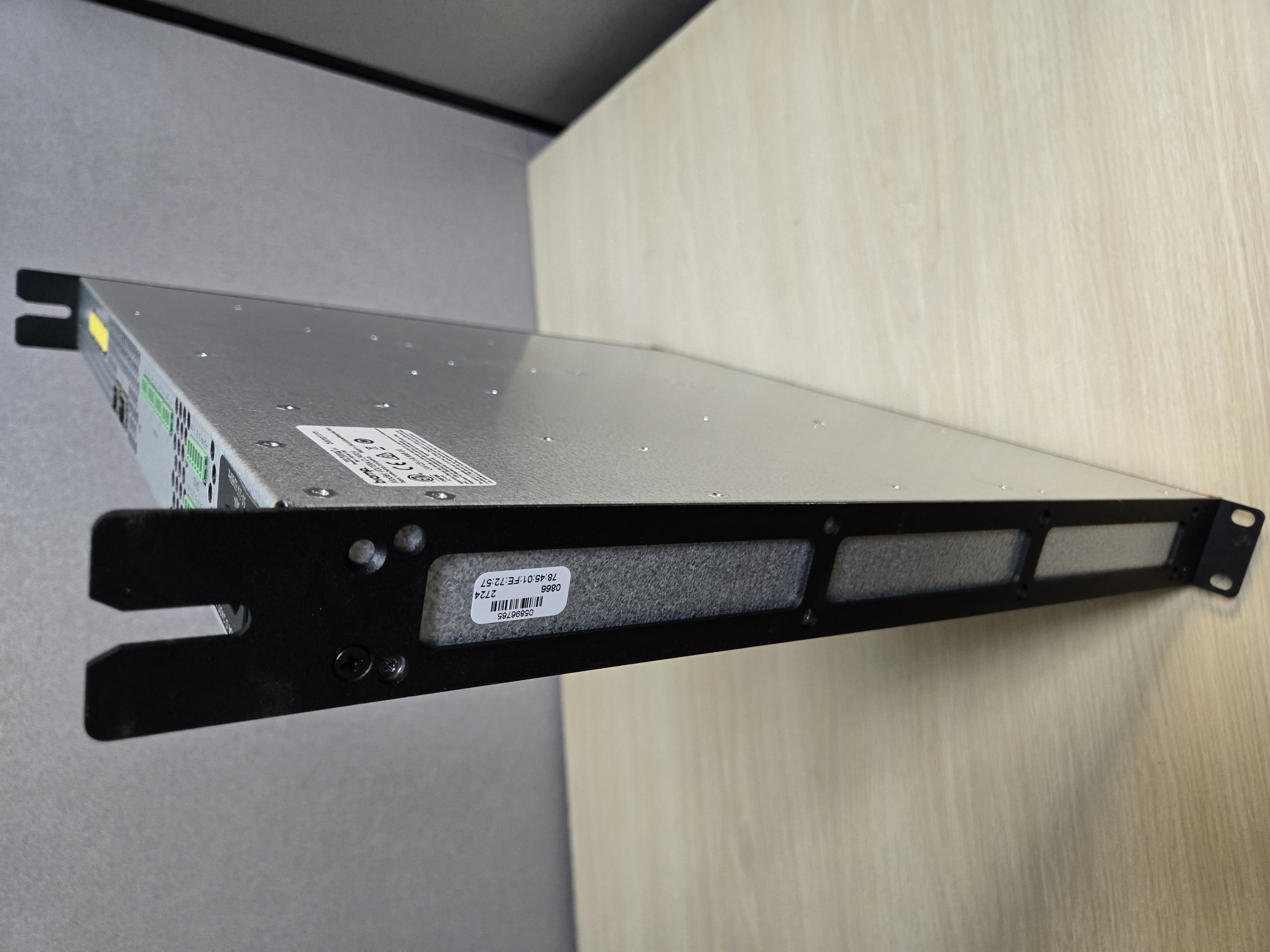
Voltera D amplifiers have their serial number printed on a sticker on the side of the chassis.



Parle
Parle microphone plenum boxes, such as TTM-X or TCM-1A, have the sticker on the side of the network box with the serial number. Parle TTM-XEX have this sticker wrapped around the cable near the RJ45 connector. Parle amplifiers, such as the AMP 450BP, have the serial number printed on a sticker on the bottom of the unit.


Devio
Devio devices have their serial number printed on the bottom of the unit.


Modena
Modena devices have their serial number printed on the bottom of the unit. The serial number for Max Connects can also be found by checking the room name and password that is displayed on the screen it is connected to.




Cambridge
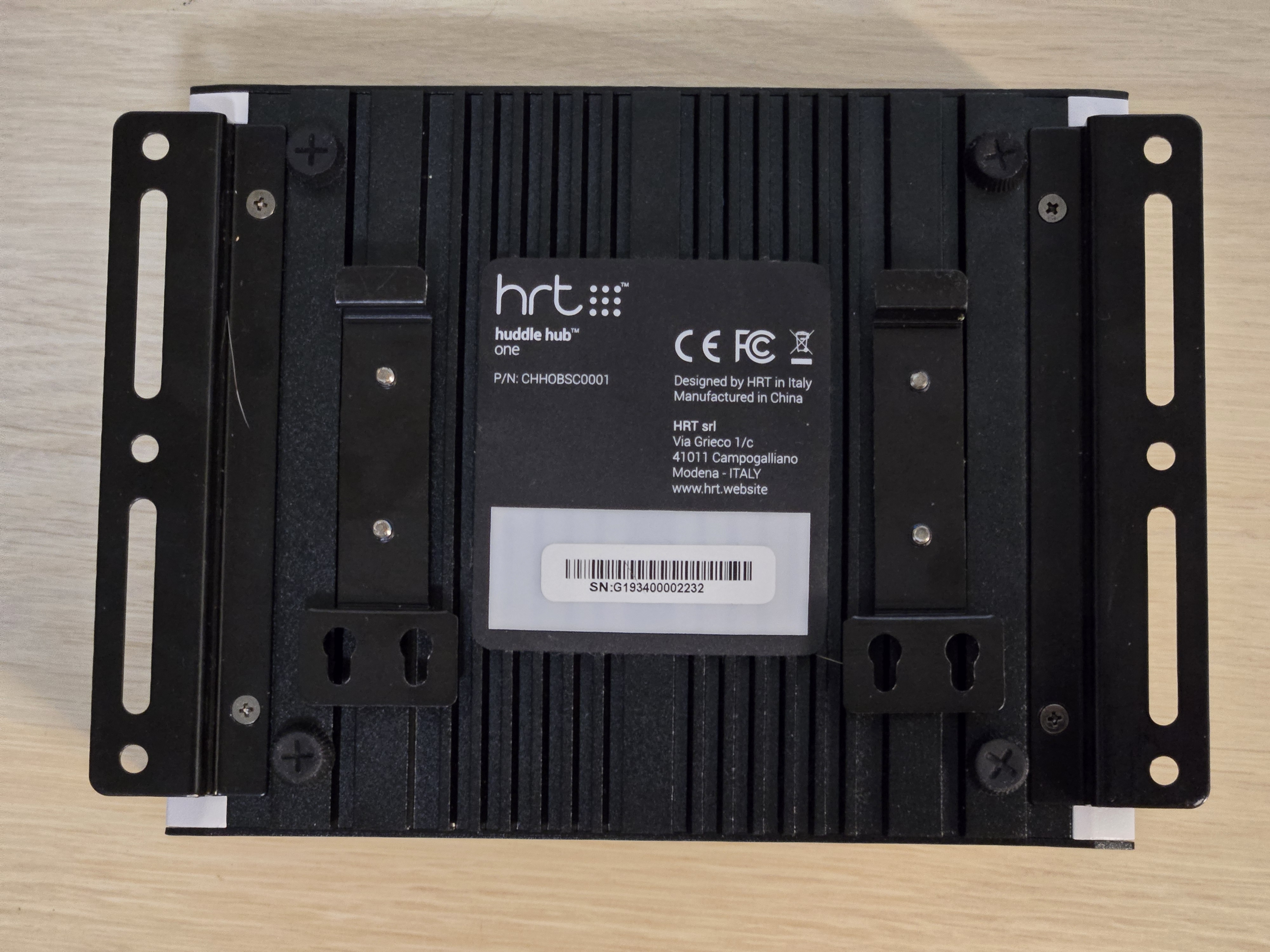
Most Cambridge devices have their serial numbers printed on the back or bottom of the unit. Some older units have their serial number formatted as ###-###-###, but most are formatted like the majority of Biamp devices, as an 8 digit number.


Vocia
The serial number for a Vocia device can be found printed on a sticker either on the bottom or the back of the unit, depending on the model.


Evoko
Evoko devices have their serial number printed on a sticker on the back of the unit. For the Evoko Kleeo, the housing needs to be removed to find the serial number.


Impera
Serial numbers for Impera devices can be found in a variety of different places, depending on the model. Impera Uniform, for instance, has the serial number printed on the sticker on the side of the RJ45 connector. Only controllers, like the Impera Tango, have their serial number viewable in Project Designer. The serial number for devices like the Touch 10 can only be found on the device itself.


Apprimo
Most Apprimo devices have the serial number printed on a sticker on the back of the unit

Vidi
Vidi cameras have their serial number printed on a sticker on the base.

Crowd Mics
Crowd mics have their serial number printed on a sicker on the bottom of the unit.

Further reading
You can check the warranty status of your device on Biamp's warranty lookup page
You can see Biamp's full warranty policy here